
CapCut
CapCut for Windows is ByteDance's desktop video editor, with a timeline, templates and export presets for short and long videos.
533.8 MB
iVCam from e2eSoft turns a smartphone into a webcam for a Windows PC over Wi-Fi or USB, for video calls, streaming and recording.
Average 0.0 · ratings: 0
Thank you! Your rating is saved; you can change it. Could not save the rating. Please try again later. Too many ratings from your network today. Please try again tomorrow. The average appears after 5 ratings.
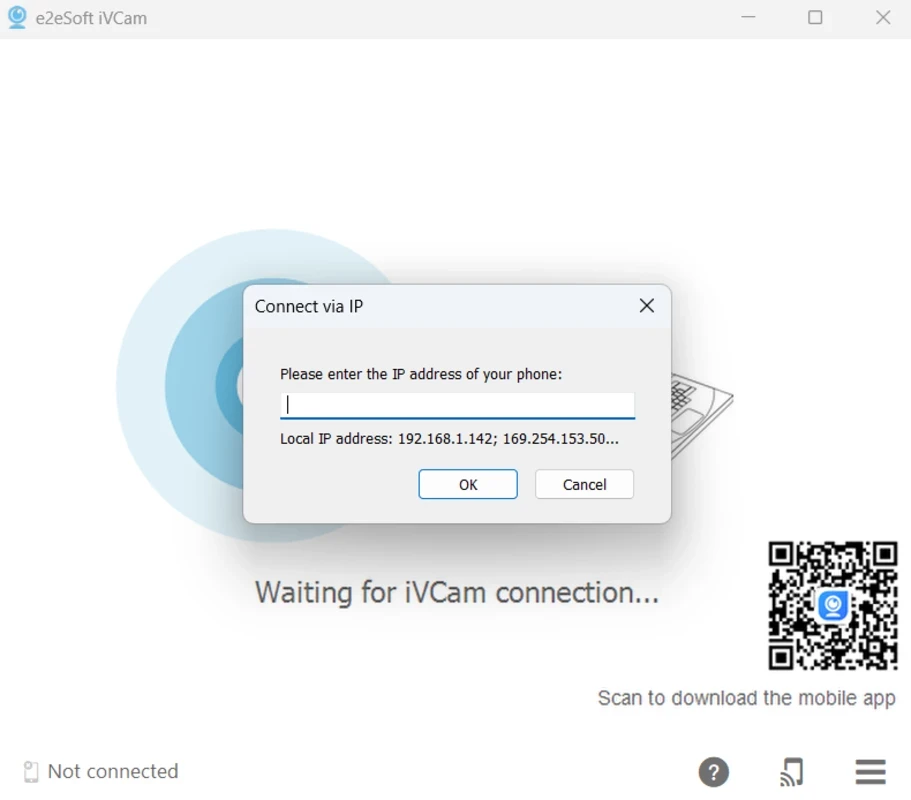
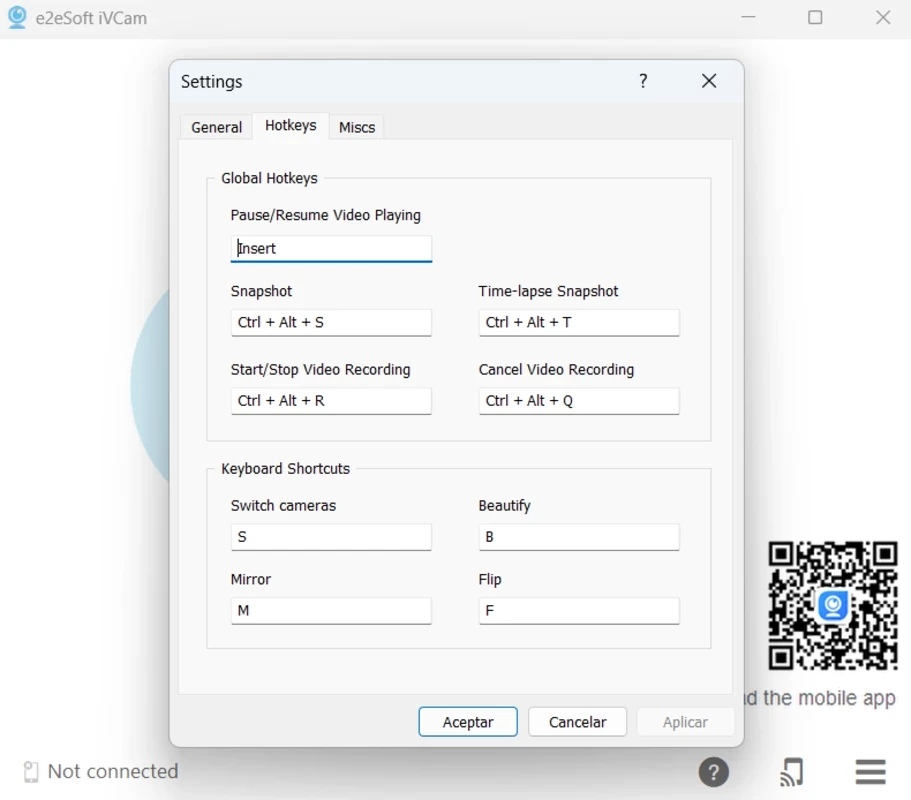
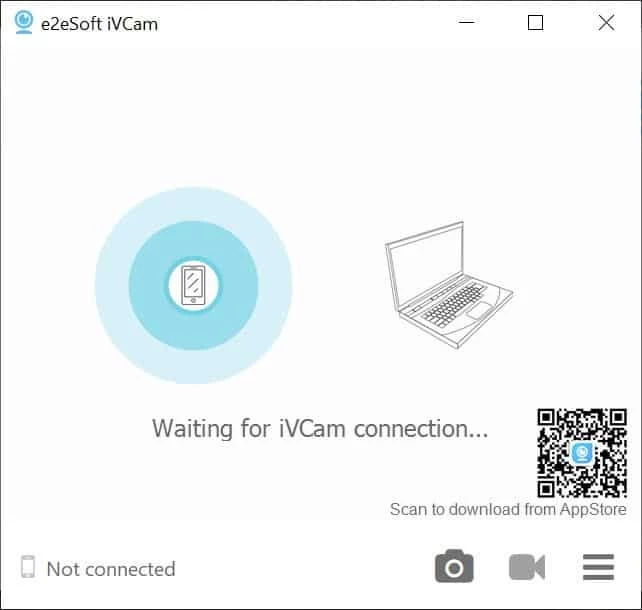
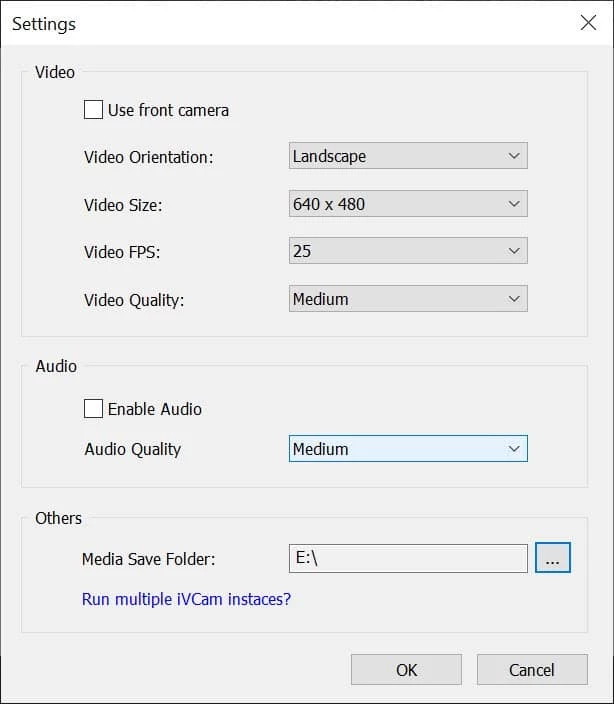
iVCam 7.4.2 is a Windows program from e2eSoft that turns an iPhone or Android phone into a webcam for your PC. You download iVCam on the computer, install the matching app on the phone, and the phone camera appears in Zoom, Teams, OBS and other programs as an ordinary camera.
The program makes sense for anyone whose laptop camera looks grainy or whose desktop PC has no camera at all. The rear camera of a recent phone usually beats a budget webcam in sharpness, colour and low-light performance, and you already own it. That makes iVCam popular with people who work from home and spend hours in video meetings, teachers who run online lessons, streamers who need a second angle, and students who want a decent picture for interviews. It is also handy as a document camera: point the phone at a sheet of paper or a whiteboard and share that view. The phone connects over the local Wi-Fi network or by USB cable, and several phones can be used as separate cameras. iVCam is less suited to people who need a permanent, plug-and-forget setup: a phone used as a webcam has to be mounted, powered and kept connected, and a dedicated webcam may be simpler for that.
The client runs on Windows. According to the iVCam FAQ, background removal requires Windows 10 or above and a graphics card that supports DirectX 12. The Bonjour service must not be disabled; the FAQ notes it uses little CPU, so there is no need to block it. The Windows installer is about 44.23 MB according to catalogue data.
Install the client from e2esoft.com and the phone app from the official stores only. The program works inside your local network. If a firewall asks for permission on first launch, allow it on private networks, otherwise the phone will not be found.
iVCam is listed as a demo: the free mode works but shows a watermark and limits some settings, while a paid licence removes the watermark and unlocks higher resolutions and extra features. Try the free version first to check that your phone and PC work well together.
Similar phone-as-webcam tools on our site are DroidCam and Iriun Webcam. For recording or streaming the image, OBS Studio and Streamlabs OBS accept iVCam as a source, and SplitCam can share one camera between several apps.
CapCut for Windows is ByteDance's desktop video editor, with a timeline, templates and export presets for short and long videos.

VLC media player is a free, open-source video and audio player for Windows from the VideoLAN team. The current release is 3.0.24.

Green Free Video Converter is a small free Windows program for converting video files between common formats for phones, players and editors.

Format Factory is a free Windows multimedia converter from Free Time for changing video, audio and image files between formats.

Streamlabs OBS, now called Streamlabs Desktop, is a free open-source Windows app for live streaming and recording with built-in alerts and overlays.

Free Cam is a free screen recorder for Windows from iSpring Solutions for recording screencasts with voice-over and trimming them before export.

TikTok for Windows is the desktop app of the short-video platform from TikTok Pte. Ltd., available free from the Microsoft Store.

Iriun Webcam is a small free Windows program that turns an Android phone or iPhone into a wireless webcam for video calls and streaming.